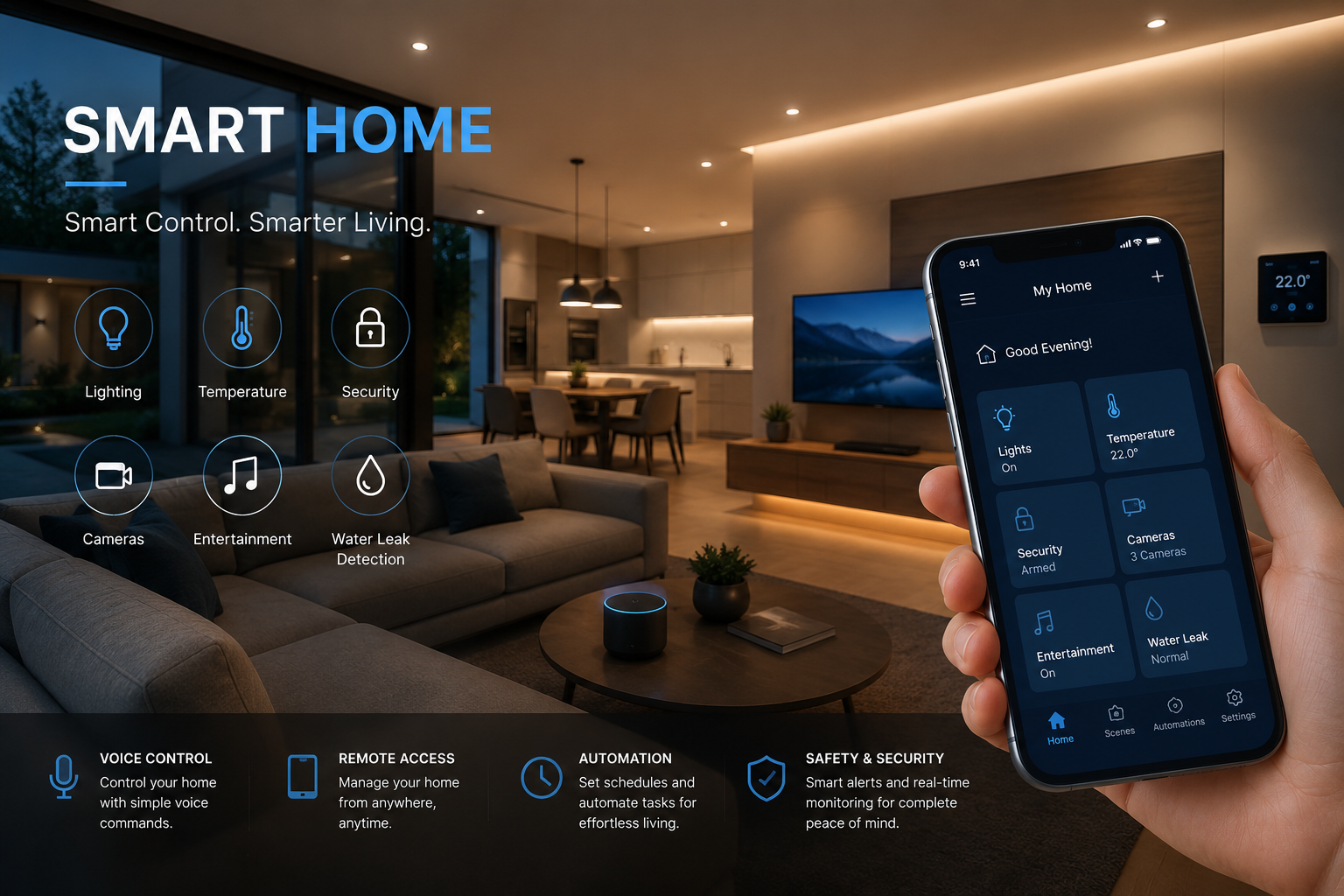
Smart home solutions are convenient, but they also present real security risks. As more of your home devices become “smart,” the number of vulnerable points increases. Hackers can target every device — from your smart TVs and speakers to your thermostats and refrigerators.
Why Is Smart Home Security Important?
Smart home devices, while modern, often arrive with minimal built-in defences. In fact, some smart device manufacturers focus entirely on convenience at the cost of security — especially in older or cheaper IoT (Internet of Things) products. Specifically, weak authentication methods, obsolete firmware, and unencrypted communication can all put your home security at risk.
A report found that an average smart home faces 29 attacks daily, which shows how important smart security is.
Once a device is compromised, you may experience:
● Privacy loss
● Data theft
● Activity monitoring
● Device control
● Service disruption
You can minimise every one of these risks by securing your network before or during device installation.
Smart Home Security Tips
A few practical steps can protect your devices, your data, and your privacy.
Use a VPN at the Router Level
Installing a VPN(Virtual Private Network) at the router level is an excellent place to start. It can help secure all devices in your home network at once.
A VPN masks your IP address, encrypts your data, and reduces your exposure to hackers. While VPNs are commonly used on laptops and phones, they’re not compatible with all IoT devices. For example, you can’t directly set up a VPN on smart lighting, sensors, or common home appliances.
Once installed at the router level, a VPN automatically protects all devices on your Wi-Fi. Hackers are then less likely to find vulnerabilities and carry out targeted attacks.
If you’re wondering, is a VPN safe for your home network, the short answer is yes, provided you choose a reputable provider.
Make Sure All Devices Have Strong Usernames and Passwords
Weak passwords make a hacker’s job easy — as do default settings.
Whenever you connect a new device, change the default username and password to something unique. You should also change the default password on your router.
Ideally, passwords should include letters, numbers, and symbols. They should also feature both upper and lower case characters. Never use the same password for more than one device. You should also avoid including personal information, such as your date of birth.
National Cyber Security Centre suggests that passwords could be made out of a combination of three random words to make them harder to crack. Another suggestion is to use a secure password manager.
Turn on Multi-Factor Authentication (MFA)
Multi-factor authentication (MFA) adds an extra layer of protection to your passwords. Should a hacker guess your password, MFA will prevent them from gaining access to your device.
Multi-factor authentication requires users to approve access on another device. To gain access, hackers need control of the other device.
Without MFA, a hacker could gain full control of your smart home system, so switch MFA on across all devices.
Install and Regularly Update Security Software
Smart home security software can help you monitor suspicious activity and detect potential malware and virus attacks.
However, for this software to work effectively, you need to keep it up-to-date. Researchers estimate that outdated software causes over 60% of security breaches.
Manufacturers regularly improve software to tighten security measures and remove vulnerabilities. To avoid missing an update,turn on automatic updates and regularly run manual checks. You always get the strongest available security.
Use a Guest Network
IoT devices such as lights, cameras, and plugs generally have weaker security features than laptops and phones.
Setting up a guest network is a great way to separate devices with weaker security from those with stronger protections.
Create a guest network on your router and name it something like “Smart Home Devices.” You can then connect all your IoT devices to this segment of the network. Reserve the main network for your phones and laptops. If a hacker compromises a smart plug, they won’t be able to reach your laptop or personal files on the main network.
Protect Every Device
Your smart home is an ecosystem, and the security of each device impacts the safety of the entire network. The steps you take today to lock down your network and devices determine how safe your home will be tomorrow. Set aside 30 minutes this weekend to review your current setup, and treat security as an ongoing habit rather than a one-time task.