Data loss on Mac, whether due to accidental deletion, formatting, corrupted APFS volumes, unexpected shutdowns, or any other reason, can be distressing. No matter if you are using a MacBook Air, MacBook Pro, or iMac, your lost data can be easily restored. Fortunately, there are several free Mac data recovery software programs available that you can try to recover lost or deleted files in Mac, even without any backup.
With so many options available, choosing the right free recovery software can be challenging. But don’t worry. In this article, we’ve outlined the top 7 free Mac data recovery software of 2026 that you can try to get your deleted files back. Let’s get started!
Why Do You Need Free Mac Data Recovery Software?
Data loss can occur at any moment—often when you don’t have a backup available to restore the missing files. Trying manual DIY recovery workarounds can be time-consuming and may not give you the desired result. That’s why having reliable free Mac data recovery software is essential. Here’s when choosing a free tool can be helpful:
- Accidental Deletion: If you’ve mistakenly deleted files or emptied the Trash, recovery software can help you get those deleted files back before they’re overwritten.
- Accidental Formatting: Formatting your storage device without any backup can put you in trouble, but these recovery software tools can recover data from the affected drive.
- Unexpected Issues: Instances like sudden Mac shutdowns, system crashes, or failed macOS updates can corrupt or erase important files, which recovery software can help you retrieve.
- No Backup Available: When Time Machine or cloud backups aren’t available, a free recovery tool may be your only immediate solution.
Top 7 Free Mac Data Recovery Software [2026 Edition]
Now that you are familiar with how recovery tools can help you in easy and quick data restoration. It’s time to explore different free Mac data recovery software tools of 2026 in detail:
01: Stellar Data Recovery Free for Mac
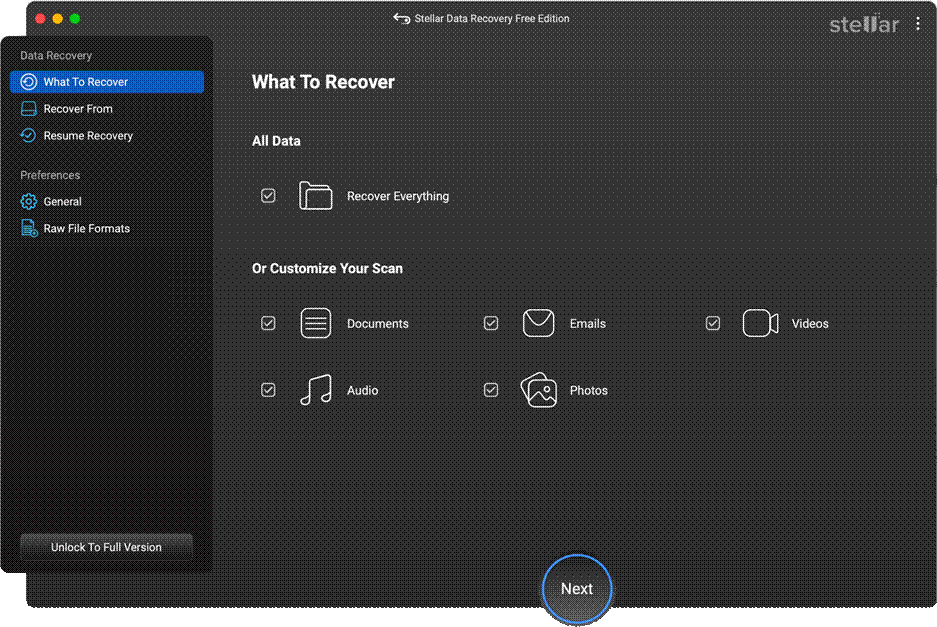
Stellar Data Recovery Free is a free Mac data recovery software which can help you restore files deleted due to accidental deletion, formatting, system errors, and many other reasons. The software supports recovery of deleted files of various types, including photos, videos, documents, chats, and many more.
The Stellar Data Recovery Free software allows you to recover deleted files up to 1 GB for free. It also supports APFS and HFS+ file systems and works with the latest macOS versions, making file retrieval straightforward and reliable.
Key Features:
- It supports data recovery from internal SSDs, external drives, memory cards, and many other storage devices.
- Supports APFS, HFS+, exFAT, and FAT file systems across multiple storage devices.
- It can perform both Quick Scan (to restore recently deleted files) and Deep Scan (to perform through scanning of your storage media).
- The software allows you to preview the recoverable files before saving them to your device.
02: Disk Drill for Mac (Free Version)
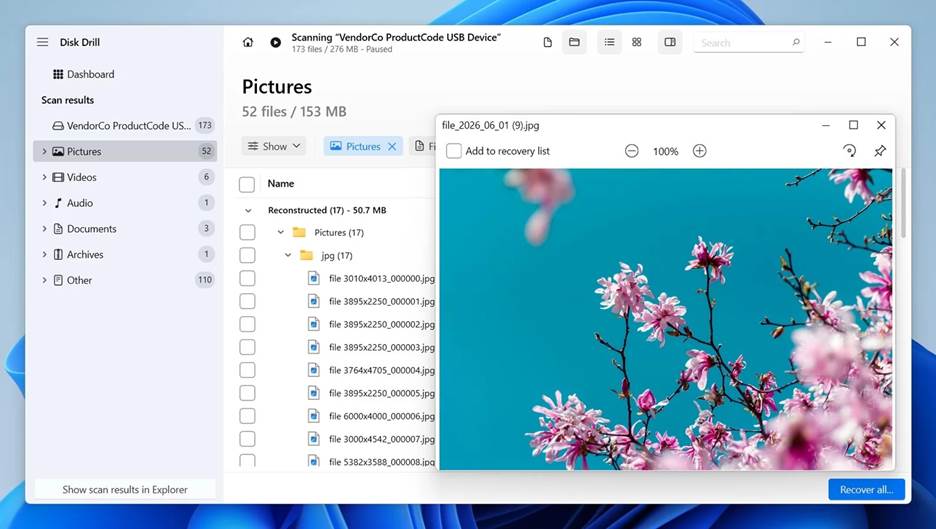
Disk Drill is a powerful, free Mac data recovery software that can help you recover deleted files in a few simple clicks. Its intuitive interface makes file recovery easy for both beginners and advanced users. The free version provides scanning and preview capabilities, allowing users to see recoverable files before restoration. Though free versions somehow lack advanced features, you can upgrade to premium versions to enjoy full recovery options.
Key Features:
- Supports recovery of deleted files of various types, including photos, videos, documents, emails, chats, and more.
- It offers additional disk tools, including drive health monitoring and duplicate file finder.
- This software offers a secure scanning process without modifying or overwriting existing drive data.
- Compatible with the latest macOS versions and supports Apple Silicon-powered Macs.
03: EaseUS Data Recovery Wizard for Mac
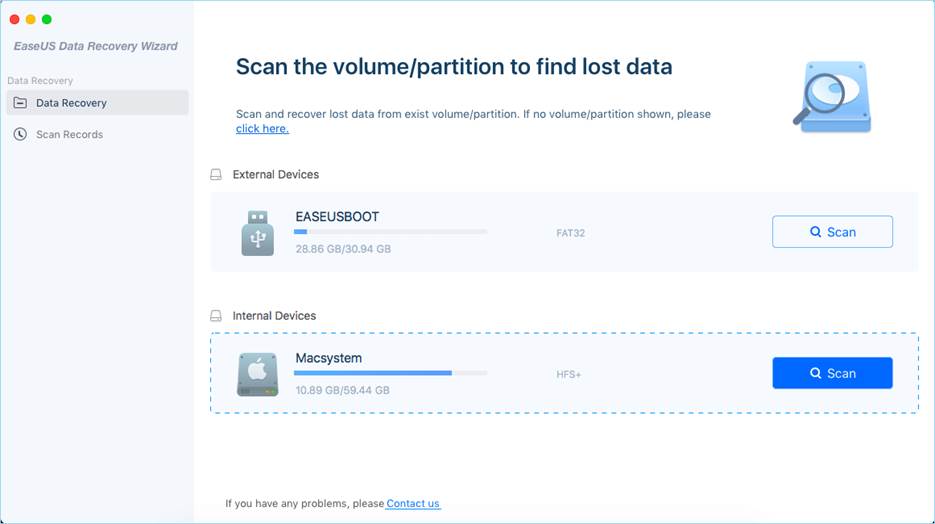
EaseUS Data Recovery Wizard is a simple yet powerful data recovery tool designed to help Mac users retrieve files lost due to accidental deletion, unexpected system shutdowns, and many other reasons. With a user-friendly interface and fast scanning capabilities, EaseUS has become the best choice for recovery of deleted data of various file types, including photos, videos, documents, etc., and that of numerous file formats.
Key Features:
- Beginner-friendly interface makes recovery simple even for users with limited technical experience.
- Preview before recovering saves your time as it avoids unnecessary file restoration.
- Works well with both older Macs and the latest macOS releases.
- Supports APFS, HFS+, FAT32, and exFAT file systems across different drive types.
04: iBoysoft Data Recovery for Mac
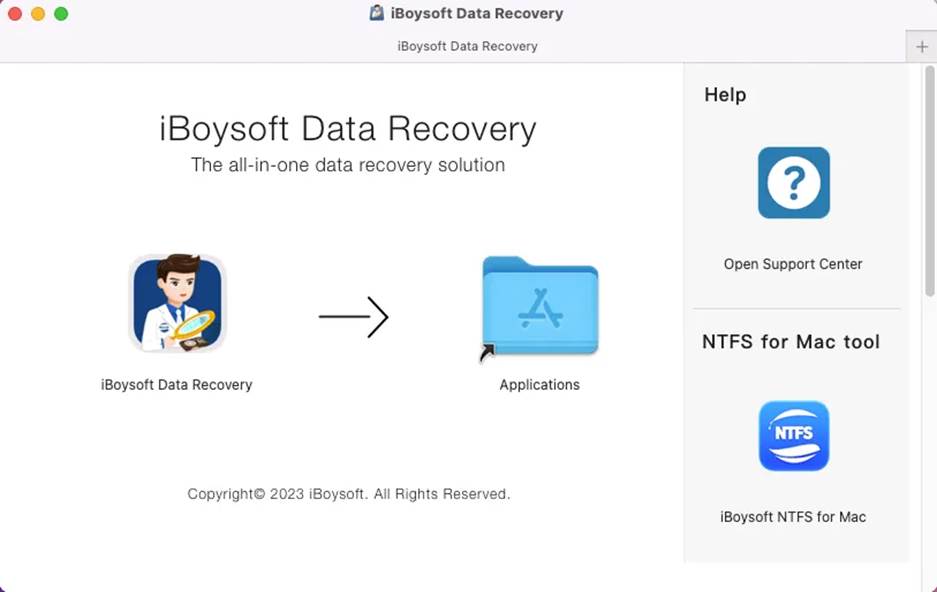
iBoysoft Data Recovery for Mac is a capable recovery program designed to help Mac users retrieve lost or deleted files. Along with compatibility with Apple Silicon Macs (M1/M2/M3), this free Mac data recovery software offers quick scanning and file preview features. Its straightforward interface simplifies recovery workflows for both beginners and advanced users. The software performs both Quick Scan and Deep Scan for recovering recently lost and hidden files.
Key Features:
- Supports APFS, HFS+, exFAT, and FAT32 file systems across multiple storage devices and memory cards.
- Recover deleted photos, videos, documents, and other types of files from Mac internal storage and external devices.
- Offers a secure scanning process which doesn’t overwrite existing data while searching deleted file signatures.
05: Tenorshare 4DDiG for Mac
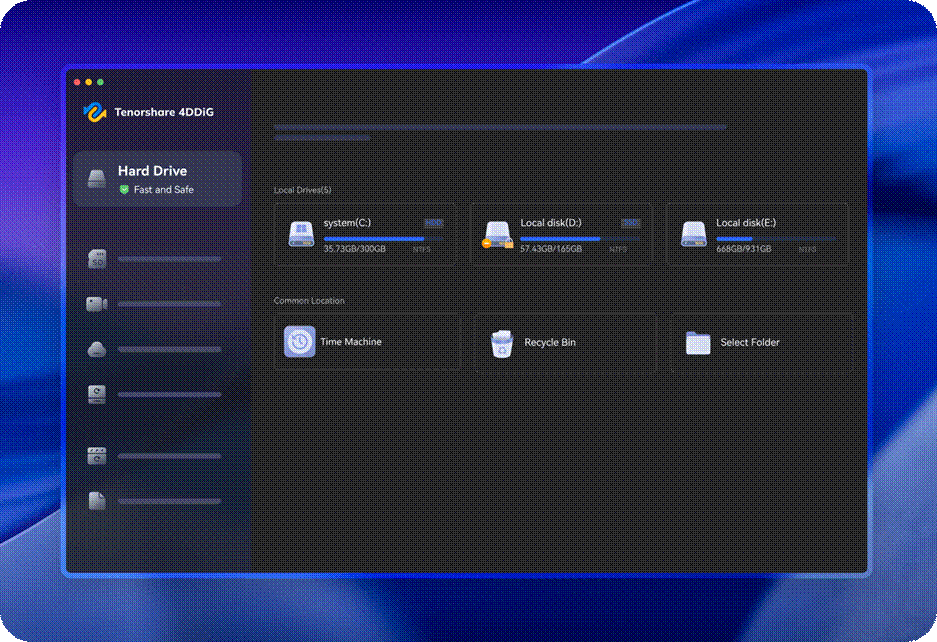
Next in our list of top 7 free Mac data recovery software tools is Tenorshare 4DDiG for Mac. It is a versatile tool that helps you restore lost, deleted, or corrupted files from USB flash drives, memory cards, HDDs, and other internal or external storage media. With intuitive scanning options and file preview capabilities, 4DDiG allows you to locate and verify recoverable files before restoring them. The free version limits file recovery capacity, but you can easily upgrade to premium versions for complex data loss scenarios.
Key Features:
- The simple interface and clear steps of this Mac recovery software make data recovery accessible to all users.
- Fast scanning detects recently deleted files quickly with minimal waiting time involved.
- Allows you to preview recoverable files before proceeding, which can save your time for unnecessary file recovery.
06: Wondershare Recoverit
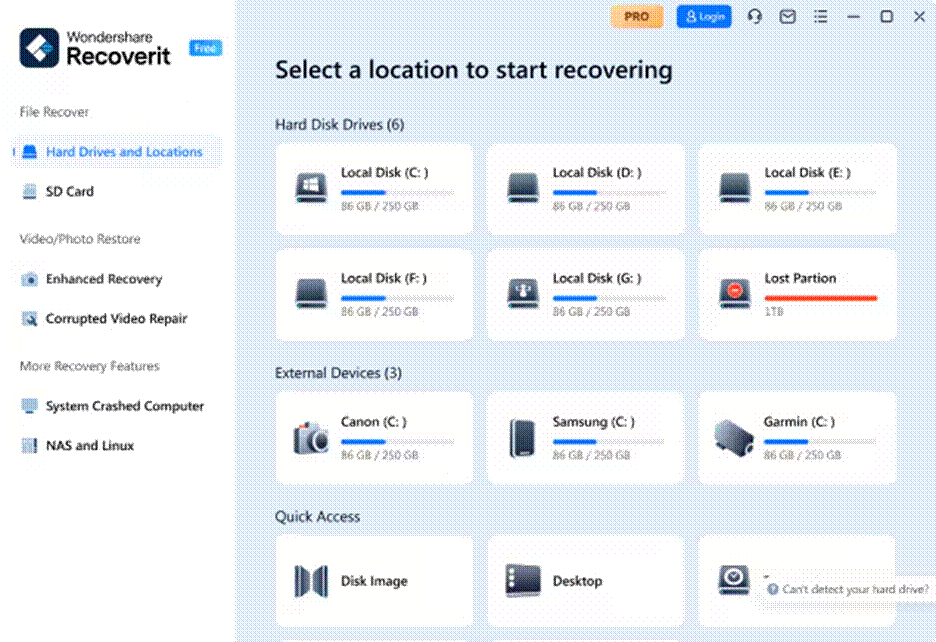
Wondershare Recoverit for Mac is our next best free Mac data recovery software designed to help Mac users retrieve deleted, lost, or corrupted files quickly. It offers intuitive scanning modes and a clear preview feature for selecting recoverable items before restoring. The free version is limited in terms of file recovery size but is suitable for basic loss scenarios or testing the software’s capabilities. The software supports recovery of files deleted from various internal or external storage devices, including USB flash drives, SD cards, memory cards, etc.
Key Features:
- User-friendly interface makes the scanning and recovery processes simple for beginners and casual Mac users.
- Its preview feature lets you preview the recoverable files before initiating the final recovery process.
- Works well with a wide range of internal or external storage devices – even if you don’t have a backup of lost data.
07: PhotoRec for Mac
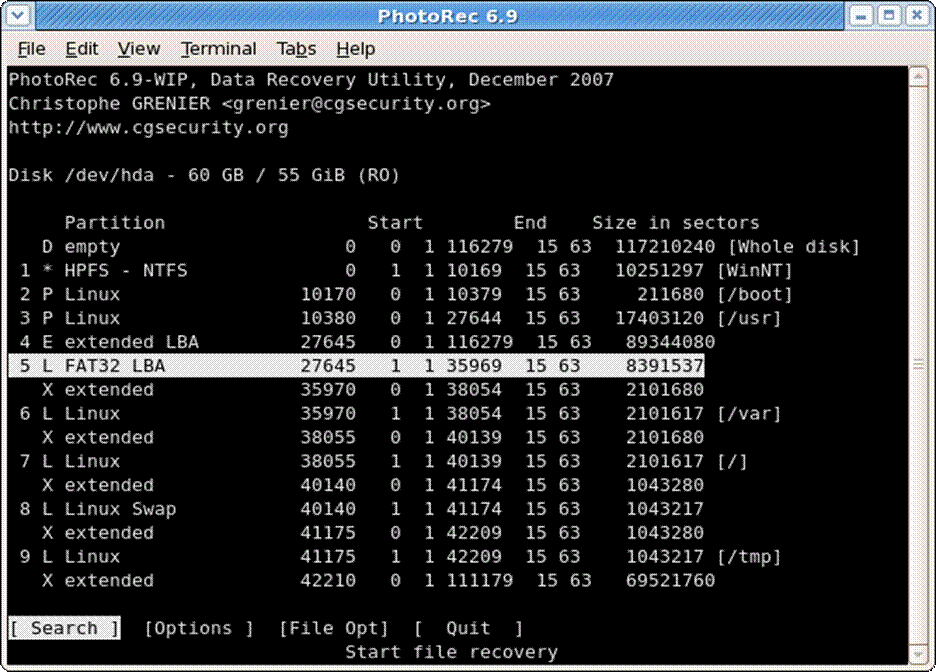
PhotoRec is a completely free, open-source data recovery software that helps you recover deleted files without any limits. Unlike typical GUI recovery tools, it uses powerful signature-based scanning to find and restore deleted files from different storage devices. PhotoRec supports a wide range of file formats and works with APFS, HFS+, exFAT, and FAT32 systems. While PhotoRec doesn’t offer a graphical interface, its deep scanning capability makes file recovery efficient as compared to other free Mac data recovery software options.
Key Features:
- 100% free, open source solution with unlimited recovery capability for all supported file formats.
- Works across various file systems and storage devices without requiring license purchases.
- Excellent choice for advanced users who prefer flexibility and comprehensive scanning options.
Wrapping Up
Data loss on your Mac can put you in trouble, but thanks to the aforementioned top 7 free Mac data recovery software tools, which make recovery simple and quick. Before you opt for any recovery software, ensure it is compatible with your storage media and lost file type. Carefully check the features of these tools and then opt for the one that best fits your requirements. The sooner you scan the affected drive, the higher your chances of retrieving your valuable data.