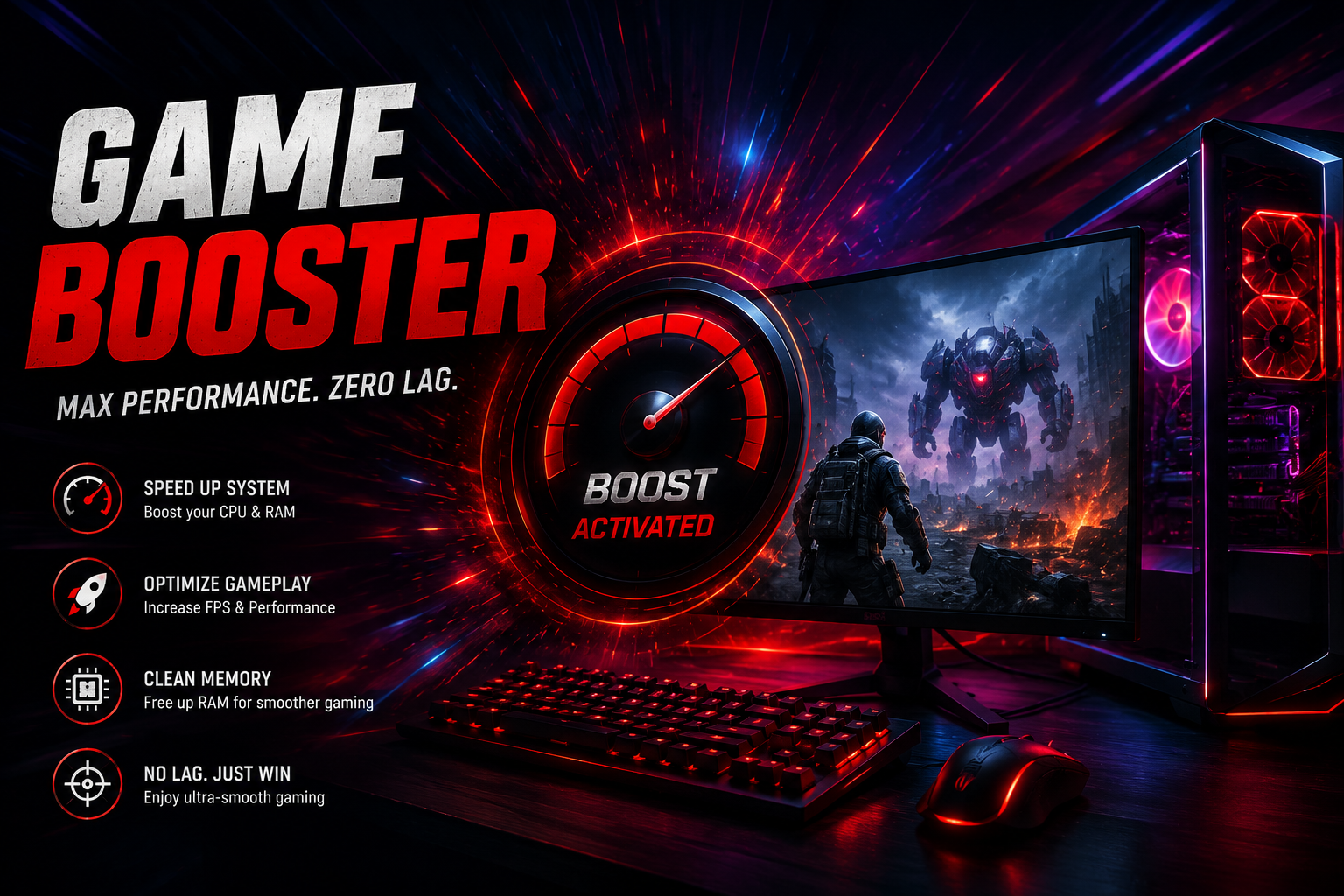
Every gamer wants games to run smoothly without constant lag, stuttering, or unexpected frame drops. While powerful hardware plays a major role, software optimization can also improve overall gaming performance. Many PC gamers rely on a Game Booster and an FPS Booster to reduce unnecessary system load and help their computers perform more efficiently during gameplay.
Although these tools are often grouped together, they serve different purposes. A game booster focuses on optimizing your operating system, while an FPS booster aims to deliver more consistent frame rates. Using them together can help create a better gaming environment without changing your hardware.
Understanding a Game Booster
A Game Booster is designed to prepare your PC for gaming by temporarily managing background applications and non-essential system processes. When too many programs run at the same time, they compete for CPU power, RAM, and other resources that games need.
By reducing unnecessary activity, a game booster allows your computer to dedicate more available resources to the game you’re playing. Most tools automatically restore normal settings after you finish gaming, making optimization both simple and convenient.
What Is an FPS Booster?
An FPS Booster is a utility that focuses on improving frame rate stability. FPS, or Frames Per Second, measures how many images appear on your screen every second. Games with a steady FPS generally feel smoother and more responsive, especially during fast-paced action scenes.
Instead of increasing the capabilities of your graphics card, an FPS booster helps your system use existing resources more effectively by applying performance-focused optimizations.
Why Performance Optimization Matters
Modern PC games continue to become more demanding with realistic graphics, larger maps, advanced physics, and online multiplayer features. Even capable computers can experience slowdowns if too many background applications consume system resources.
Optimization software helps reduce this unnecessary workload, allowing your hardware to focus on delivering a smoother gaming experience.
Key Benefits of a Game Booster
A game booster offers several practical advantages for gamers.
Prioritizes Gaming Performance
The software temporarily shifts system resources toward the active game, helping reduce distractions from background applications.
Minimizes Background Activity
Unnecessary services and startup programs are limited while gaming, allowing your PC to work more efficiently.
Quick Optimization
Many applications provide one-click optimization, making performance improvements easy for both beginners and experienced users.
Better Resource Management
Efficient resource allocation helps create a cleaner environment for demanding games.
How an FPS Booster Helps
An FPS booster focuses directly on gameplay performance.
Its advantages may include:
- Smoother frame delivery.
- Reduced gameplay stuttering.
- More responsive controls.
- Better graphics optimization.
- Improved consistency during long gaming sessions.
Actual results vary depending on your computer’s specifications and the game’s requirements.
Tips to Maximize Gaming Performance
Optimization software delivers the best results when combined with proper PC maintenance.
Here are some useful practices:
- Update graphics drivers frequently.
- Install the latest operating system updates.
- Close applications that are not needed while gaming.
- Keep sufficient free disk space.
- Monitor hardware temperatures.
- Adjust graphics settings to match your hardware.
- Restart your computer regularly.
These habits help maintain stable system performance over time.
Who Can Benefit from These Tools?
A Game Booster and an FPS Booster are suitable for a wide range of gamers.
They can be especially helpful for:
- Players using older gaming PCs.
- Laptop gamers.
- Users with mid-range hardware.
- Gamers who multitask while playing.
- Anyone experiencing occasional lag or frame drops.
Even systems with modern hardware may benefit from reducing unnecessary background processes.
Choosing the Right Optimization Software
When selecting optimization software, consider features such as ease of use, compatibility, stability, and regular updates. A reliable application should improve performance without making permanent changes that could affect normal computer use.
Trying different trusted solutions can help you find the one that best suits your gaming habits and system configuration.
Conclusion
A smoother gaming experience doesn’t always require expensive upgrades. By improving the way your computer uses its existing resources, a Game Booster and an FPS Booster can help enhance gameplay, reduce unnecessary system activity, and provide more stable performance.
Combined with updated drivers, proper maintenance, and sensible graphics settings, these tools offer a practical way to optimize your PC for gaming. Whether you’re playing competitive shooters, strategy games, racing simulators, or open-world adventures, software optimization can help you enjoy more consistent and responsive gameplay.