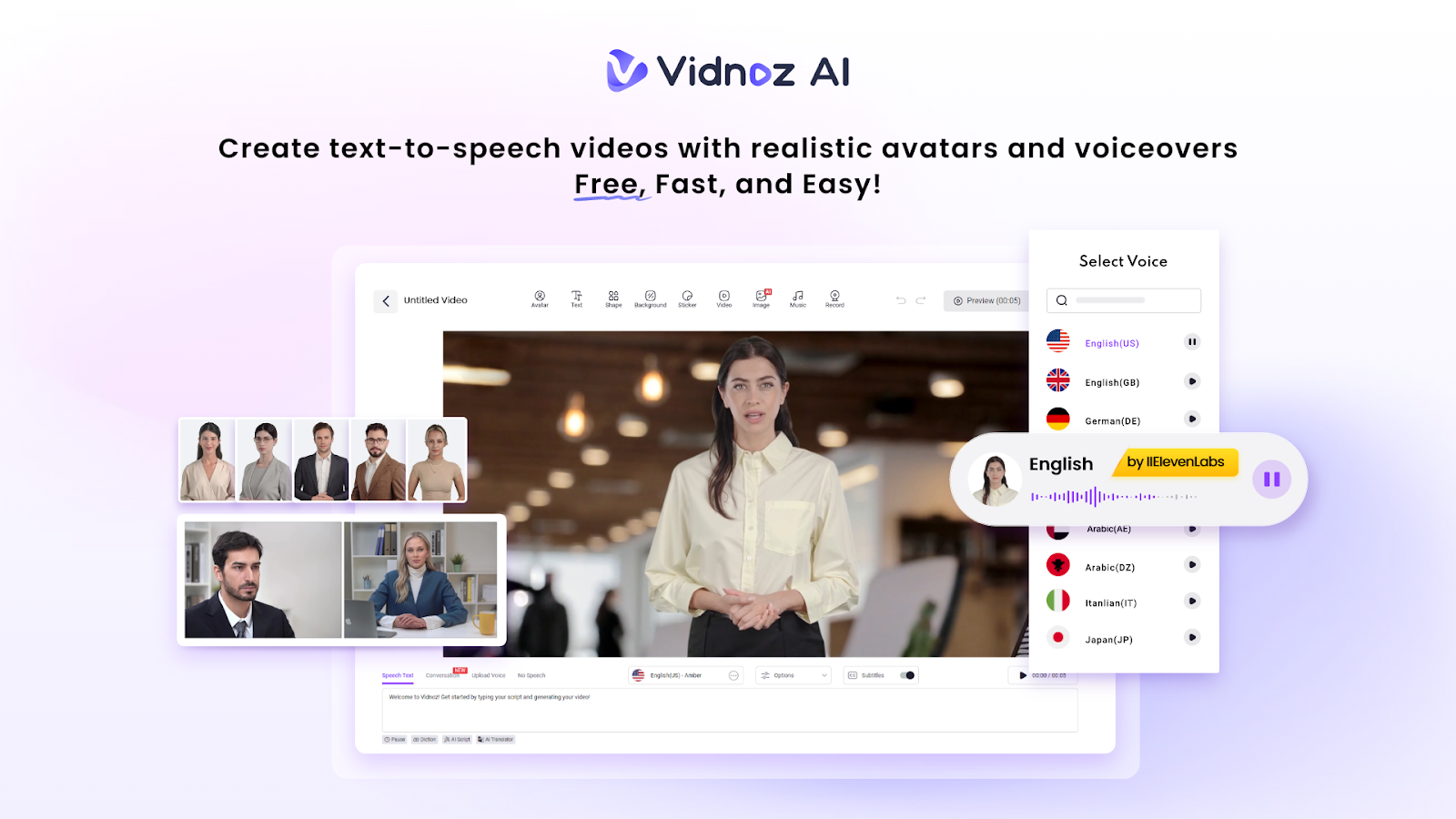
AI-driven video development now has a new dimension. And Vidnoz AI is a big part of that change. It’s a free tool that lets anyone make high-quality videos—even if you’ve never edited before.
What really sets it apart is its ISO/IEC 27001:2022 certification, a globally recognized security standard. This means your data stays protected and everything you create is handled safely, making Vidnoz AI one of the most reliable video generators out there.
No matter who you are, an educator, business owner, or creator, Vidnoz AI makes the entire production process easier with advanced avatars, multilingual AI voices, prepared templates, and simplified editing tools.
Looking ahead, Vidnoz AI is shaping the future of AI video creation and is set to redefine how we make videos by 2026
Key Features of Vidnoz AI
Let’s take a closer look at what makes Vidnoz AI stand out and how it can help you create videos easily.
1900+ Lifelike AI Avatars
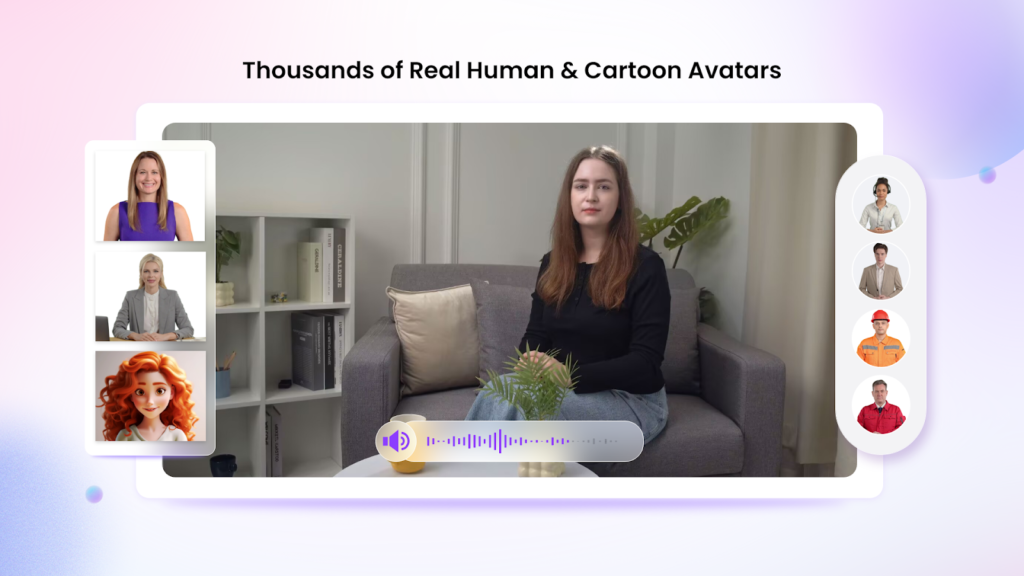
One of the most significant advantages of Vidnoz AI is its wide selection of avatars. The platform offers 1,900+ realistic avatars spanning various industries and professions.
Whether it is a corporate spokesperson, a retail salesperson, a fitness trainer, a doctor, or a computer professional, you will have plenty of choices to meet the scenario.
Vidnoz AI is also designed to allow customization of avatars, so you will never fail to find an existing or even a custom avatar that is just right for your situation. Creators can choose from:
- Digital Twin Avatars (avatars like actual users).
- Motion Avatars are also motion-based animations that make presentations more interactive.
- Product Avatars (sell or write about your product)
With this, people and brands can produce videos that are refined, personal, and professional.
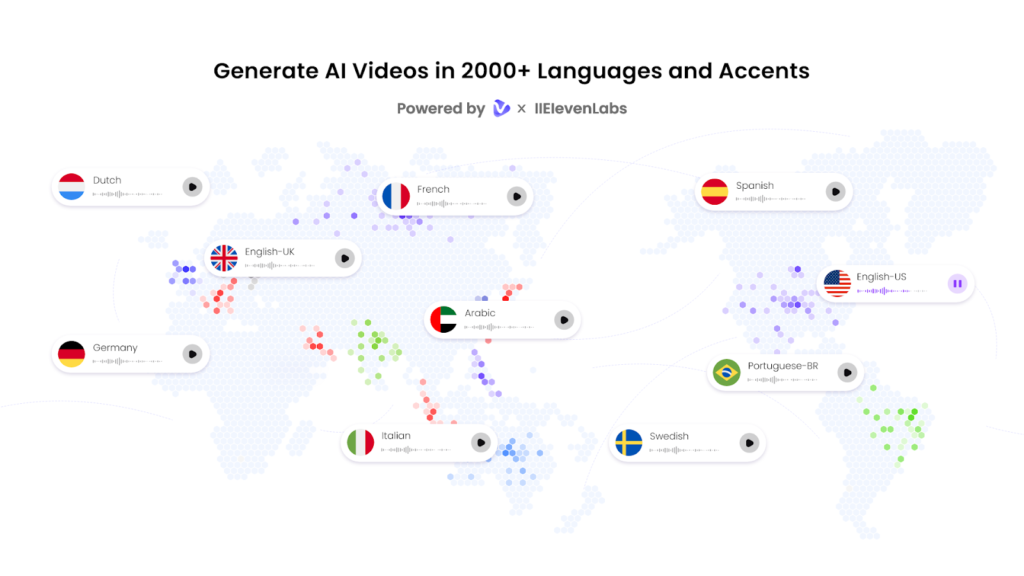
2000+ Lip Sync AI Voices
Vidnoz offers 2000+ human-like, natural-sounding AI voices in over 140 languages, powered by top industry technologies from Eleven Labs, Microsoft, and Google.
The voices are supported by lip-synched, correctly pronounced, and controlled vocal tones, which make the avatars sound natural and sharp. This makes it ideal for:
- Explainer videos
- Business presentations
- Product demos
- Social media content
- E-learning modules
- Differentiated marketing programs.
2800+ Pre-Designed Video Templates
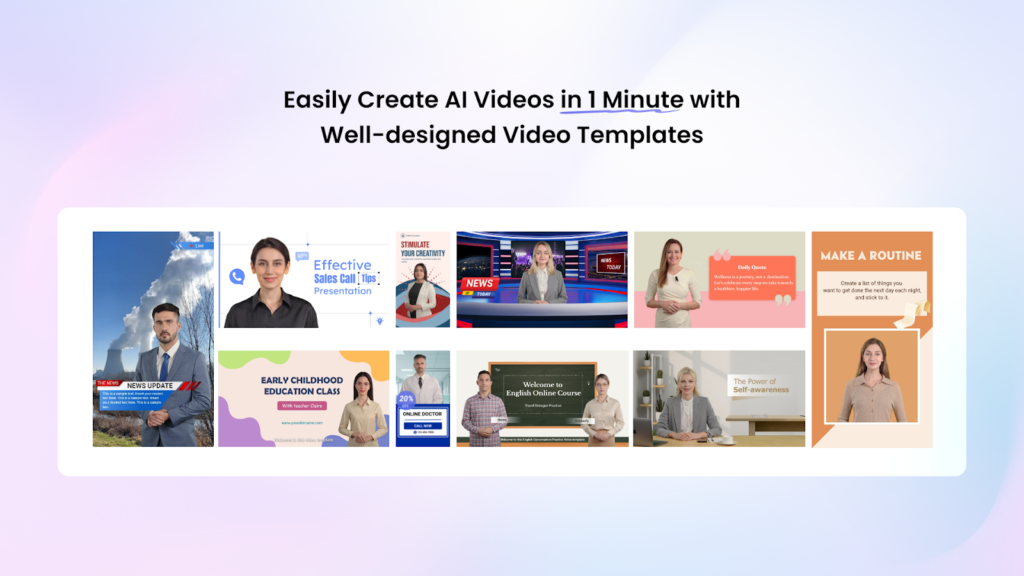
Vidnoz AI does not require any manual design efforts as it provides 2800+ video templates in all major content categories. Templates are divided into:
- Marketing
- Business
- E-commerce
- HR & training
- Education
- YouTube
- TikTok & Social Media
- Real estate
- Product advertising
Every sample contains balanced designs, contemporary images, and text positionings. You just change the content in it and create your video, saving hours of recording time.
Free Daily Use
Unlike many paid AI video platforms, Vidnoz gives everyone 2 minutes of free video generation per day.
This allows:
- New users can explore and test Vidnoz features for free.
- Businesses can produce brief posts or announcements.
- Students and teachers can create educational materials for class.
This free allowance is one of the strongest reasons Vidnoz AI is among the most widely available tools in the industry.
How to Use Vidnoz AI: Step-by-Step Guide
What keeps Vidnoz AI at the top of the market is its simplicity. It does not require any technical experience, and all you have to do is follow these four simple steps.
Step 1: Choose a Template & Avatar
The first step is to select one of the 2800+ templates, followed by 1900+ avatars. You can filter by:
- Industry
- Style
- Emotion
- Professional role
- Gender
- Outfits
You can also post your own digital twin avatar or select a motion avatar to make it move.
Step 2: Create the AI Voiceover
You can choose from 2000+ AI voices in your preferred language and tone, and the voice will automatically sync with the avatar’s lips.
You can also:
- Create voiceovers out of text uploads.
- Turn your voice into professional artificial intelligence.
- Change pace, tone, and style of emotion.
Step 3: Add Your Custom Touch
Vidnoz AI lets you access full functionality without any advanced editing skills:
- Introduce sound effects or background music.
- Add photos, slides, icons, and product photos.
- Change color schemes, themes, and graphics.
- Include subtitles to make it more convenient.
- Include transitions and animation.
You can also upload your own brand kit, which includes logos, brand colors, and specific fonts, to maintain brand consistency across all videos.
Step 4: Generate and Share Your Video
After completing the design:
- Hit Generate, and your AI video starts processing.
- Download it in HD quality.
- Share instantly on YouTube, TikTok, Instagram, or any other platform.
- Export different elements for social media use.
From idea to final export, the entire process can take just a few minutes.
Why Vidnoz AI Stands Out in 2026
Vidnoz AI has maintained a lead over its competitors based on three key reasons:
1. Industry-Leading Avatar Realism
The quality of motion and lip-syncing is superior to that of most other AI video tools.
2. Multilingual Voice Options
Over 2000 voices in 140+ languages allow reaching content across the world without the need to employ voice actors.
3. Free Video Generation
The 2-minute free-per-day option makes Vidnoz AI perfect for testing, learning, and preparing short impromptu videos.
Conclusion
In 2026, Vidnoz AI stands out as one of the most potent and accessible AI video generators. It combines ease of use with advanced features, offering lifelike avatars, multiple languages, thousands of templates, and the ability to create videos daily.
No matter what your level of expertise as a content creator, Vidnoz AI is available to provide all that one can want to create studio-quality videos within a few minutes.
Try Vidnoz AI today if you want to make the video creation process straightforward and access the future of AI-driven content. Explore its avatars, voices, and templates, and create a new video every day. Your next business video can be ready in minutes.