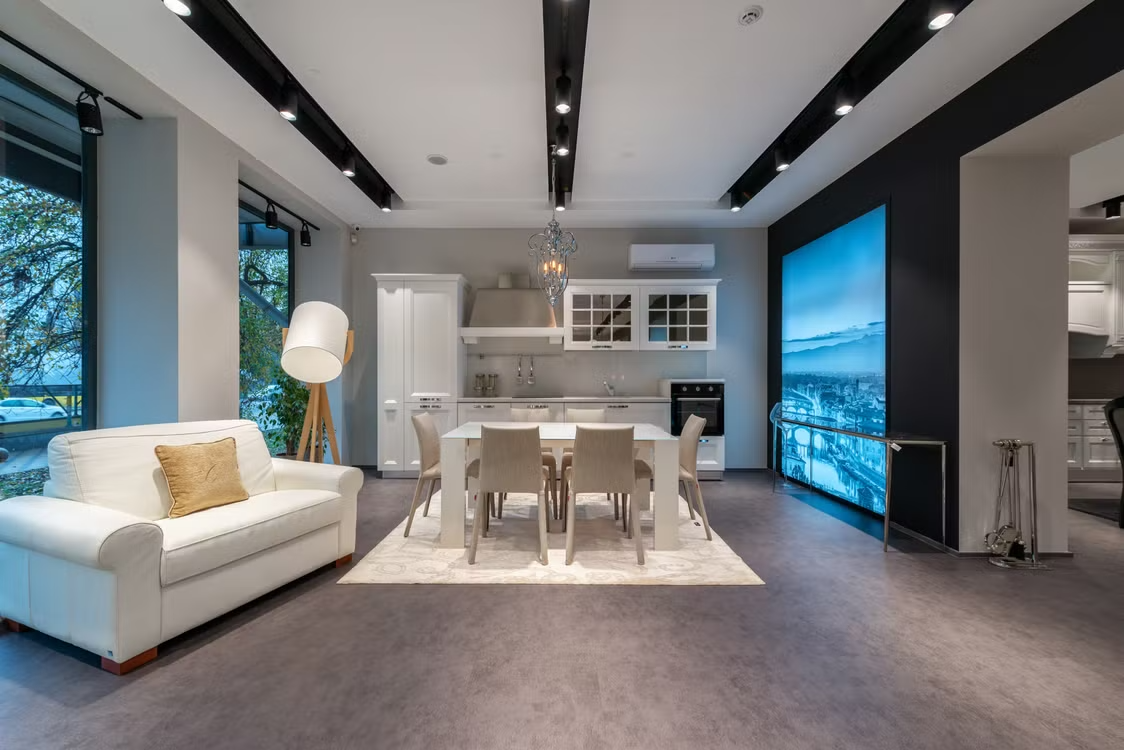
A productive workplace should support concentration, comfort and recovery throughout the working day. Smart workspace design brings digital controls together with natural elements such as daylight and planting, creating an environment that responds to the people using it. This approach can work in a large headquarters, a shared studio or a compact garden office. The key is to use technology quietly, collecting useful information and adjusting the space without adding more distractions.
The Evolution of Office Design
Office design has moved beyond rows of fixed desks and centrally controlled heating. Hybrid working means people may use the same room for focused tasks, video meetings and group discussions within a few hours. Flexible furniture helps, but responsive systems can take this adaptability much further.
Current smart office trends include occupancy monitoring, automatic lighting and desk-booking tools. These features let facilities teams see which areas are busy and which remain unused. Start with a specific problem, such as meeting rooms sitting empty despite appearing fully booked. A simple occupancy sensor can reveal actual usage and support better decisions about space allocation.
Sensors and Biometric Feedback
Sensors can monitor temperature, humidity, carbon dioxide levels, noise and movement. The resulting data helps a workplace respond to conditions that employees might feel but struggle to identify. For example, rising carbon dioxide levels in a crowded meeting room can coincide with tiredness and reduced concentration. A connected ventilation system can increase airflow when its sensors detect that change.
Wearable biometric devices add another layer, although their use requires clear consent and careful data controls. Aggregated information about stress or sleep should never become a way to assess individual performance. A safer starting point is anonymous room-level data, combined with short staff surveys that ask when and where discomfort occurs.
Cultivating Indoor Green Spaces
Plants introduce colour, texture and seasonal change into rooms dominated by screens and hard surfaces. Place them where people spend time, including breakout areas, reception spaces and shared work zones, instead of filling inconvenient corners. Species selection should reflect available daylight, temperature and the time available for upkeep.
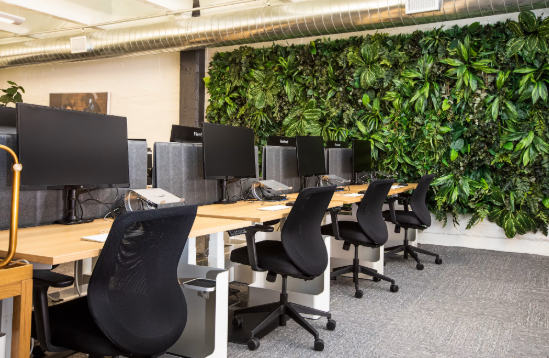
Businesses without in-house plant care can consider office plant rental, which can include the design, installation and maintenance of live or artificial displays. This can help businesses maintain a consistent workplace environment without relying on employees to manage watering, replacement or routine upkeep. Larger offices might use a living wall as a visual focal point, whilst smaller teams can group several plants at different heights to soften a quiet work area.
AI-Driven Environmental Controls
AI-driven controls analyse patterns and make small environmental adjustments automatically. A system might learn that a west-facing room overheats after 2 pm, then lower blinds and reduce lighting before the temperature becomes uncomfortable. Occupancy data can also prevent heating or cooling empty zones.
Effective workspace technology integration keeps controls understandable. People should still be able to adjust local lighting or report when an automated setting feels wrong. Begin with one measurable target, such as reducing afternoon overheating and review the results after four weeks. Check comfort feedback alongside energy use, since lower consumption offers little value if staff bring in portable heaters or move away from otherwise useful rooms.
Designing for Human Experience
Technology works best when it supports natural working habits. Give people a choice of settings, including quiet desks, sociable project areas and places where they can step away from screens. Acoustic panels, adjustable lighting and clear sightlines can improve the experience without requiring complicated software.
The same principles apply to remote workspaces. Anyone planning a separate home workspace may find this guide to garden room offices useful when considering daylight, comfort and long-term use.
Test changes with the people who use the space. A two-week trial on one floor can expose issues early, from sensors switching lights off during quiet work to plants blocking walkways. The smartest workspace is one where those details feel considered, and the technology stays in the background.