You press a button. Somewhere, a satellite dish the size of a small car catches a broadcast signal, a rack of servers compresses it to a fraction of its original size, a network of computers spread across three continents passes it along like a relay baton, and roughly two seconds later a football match appears on your living room TV. The whole chain runs billions of times a day, and almost nobody watching has any idea it exists.
This is a tour of that chain. Not the marketing version, the actual machinery: what IPTV really is, what happens to a video frame between the stadium and your screen, why your neighbor sometimes cheers a goal before you see it, and what changed in 2026 that made all of it noticeably better.
What IPTV Actually Is (and What It Is Not)
Strip away the acronym and IPTV means one thing: television delivered as internet data packets instead of radio waves. Your satellite dish and your old cable box receive a continuous analog-ish signal. An IPTV stream is just files, thousands of tiny video files, requested and downloaded by your device in real time, exactly the way your browser fetches a web page.
That single design choice explains almost everything people like about it. Files can travel anywhere the internet reaches, so geography stops mattering. Files can be stored, so pause, rewind, and catch-up TV come for free. And files can be requested at different quality levels, which is the trick behind streams that adapt to your connection instead of dying on it.
One useful distinction the industry itself blurs: telecom IPTV (the box your ISP rents you) usually runs on multicast, where one stream is duplicated inside the operator’s private network for thousands of homes at once. Internet-delivered services, from Netflix to dedicated live TV platforms, run on unicast over HTTP, where every viewer gets their own individual stream. The second model is what this article walks through, because it is what nearly everyone means by IPTV in 2026.
The Journey of a Single Frame
Follow one frame of a live match from camera to couch. Seven stops, each with one job.
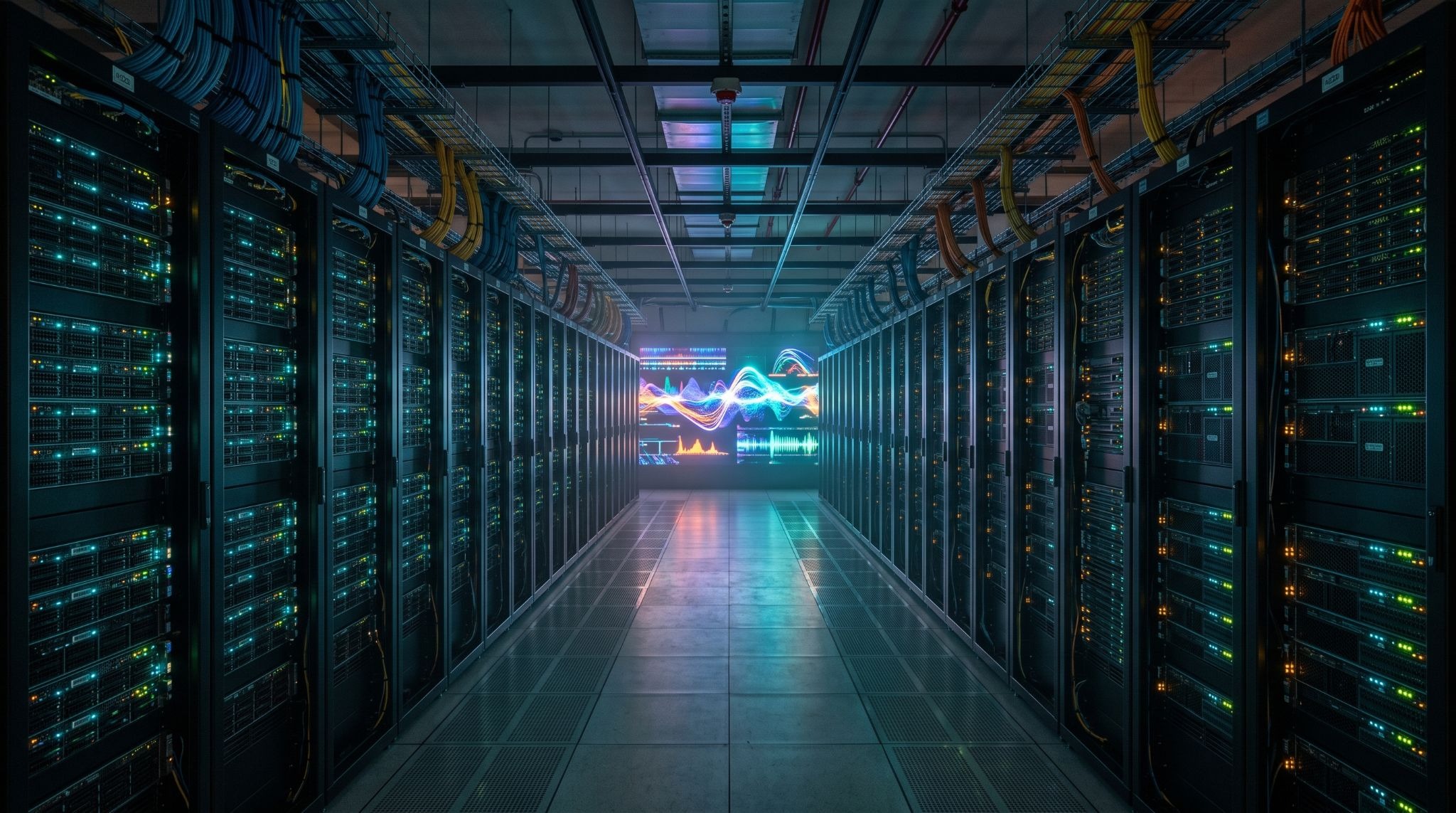
- Acquisition. The source signal arrives at a facility called a headend, either from a satellite downlink, a fiber feed from the broadcaster, or a direct studio connection. At this point the video is huge: a raw HD feed can run past 1.5 gigabits per second, roughly 300 times too heavy to send to your home.
- Encoding. A hardware encoder compresses the signal using a codec, think of it as vacuum-packing the video. Instead of storing every pixel of every frame, the codec stores one full frame and then only the differences in the frames that follow. A static news anchor compresses beautifully; confetti falling at a trophy ceremony is a codec’s nightmare, because everything changes everywhere at once.
- Transcoding into a ladder. The compressed stream is then re-encoded into several parallel versions at different qualities, called an ABR ladder (adaptive bitrate). Your device will climb up and down this ladder constantly without telling you.
- Packaging. Each version is sliced into segments of two to six seconds and described in a small text file called a manifest, the table of contents your player reads. The dominant packaging protocol is Apple’s HLS, with MPEG-DASH as the open-standard alternative, and in 2026 both increasingly share one container format called CMAF, which lets a segment start playing before it has even finished being written.
- CDN delivery. The segments are pushed to a content delivery network, a web of cache servers parked close to viewers. When you watch, you are almost never talking to the origin server; you are pulling files from a machine a few hundred kilometers away that already has them. This is the single biggest reason a service in one country can serve smooth streams to another continent.
- Middleware. Between the CDN and your app sits the layer nobody sees: the system that knows who you are, which channels your account includes, and where today’s program guide lives. In practice most consumer services expose this through an Xtream Codes style API or an M3U playlist plus an XMLTV guide file, which is why one subscription from a platform like varodatic.vip can log into a dozen different player apps: the apps all speak that same middleware language.

The ABR Ladder, or Why Your Stream Never Just Dies
The ladder from step three deserves its own moment, because it is the most elegant idea in the whole system. A typical live channel in 2026 is encoded simultaneously at five or six levels:
| Quality level | Typical bitrate | When your player picks it |
|---|---|---|
| 4K (2160p) | 12 to 16 Mbps | Strong wired or 5 GHz connection |
| 1080p | 6 to 8 Mbps | The everyday default on good Wi-Fi |
| 720p | 3 to 4 Mbps | Congested evening networks |
| 480p | 1.5 to 2 Mbps | Mobile data, weak signal |
| 360p | under 1 Mbps | Survival mode |
Every few seconds your player measures how fast the last segment downloaded and quietly decides which rung to request next. When the picture briefly softens during a big match, that is not the stream failing. That is the stream succeeding, trading sharpness for continuity in real time. A stream that simply stopped, the way old cable pixelated into nothing, would be the failure.
The Latency Question: Why Your Neighbor Cheers First
Here is the uncomfortable secret of internet TV: for years it was slower than the satellite broadcast it replaced. Segments take time to encode, package, and buffer, and every stage adds seconds. If you have ever heard the building erupt before your own screen showed the goal, you have felt this personally.
| Delivery method | Typical delay | Notes |
|---|---|---|
| Satellite / cable broadcast | 4 to 6 seconds | The historical baseline |
| Classic HLS streaming | 20 to 40 seconds | The old internet TV experience |
| LL-HLS / CMAF chunked (2026) | 2 to 5 seconds | Now matches or beats broadcast |
| WebRTC | under 1 second | Used for auctions and betting, not TV |
The 2026 shift is the third row. Low-latency HLS built on CMAF sends partial segments the moment they are encoded rather than waiting for a full six-second chunk, and it has moved from conference-talk material to the default expectation for live sports delivery. A well-built live service today can genuinely show you the goal before the satellite dish next door does, a sentence that would have been laughed at five years ago.
Codecs in 2026: The Quiet Revolution
If one technology defines this year, it is the AV1 codec finally hitting critical mass. Netflix now serves the large majority of its HDR catalog in AV1 and reports that these sessions consume roughly a third less bandwidth than the older H.264 and HEVC codecs while scoring higher on picture-quality metrics, with noticeably fewer buffering interruptions. Nearly every TV, phone, and streaming stick sold since around 2023 decodes it in hardware.
Live TV tells a slightly different story. AV1 is expensive to encode in real time, so most live IPTV in 2026 still runs on HEVC, which offers the best balance of compression and encoder speed, with H.264 kept around as the compatibility fallback for older devices. And the industry is already whispering about AV2, which promises another 30 percent efficiency jump and realistic 8K streaming. The practical takeaway for a viewer is simple: the newer your playback device, the less bandwidth the same picture quality costs you.
What this means in numbers
- A 4K stream that needed 25 Mbps in H.264 fits in roughly 12 to 15 Mbps in HEVC
- The same stream in AV1 drops toward 8 to 10 Mbps, which is why 4K now works on ordinary home connections
- For a household, that difference decides whether two people can stream 4K simultaneously or fight over the router
What Happens in the Ten Seconds After You Press Play
A compressed timeline of a moment you experience as instant:
- 0.0s: your app authenticates against the middleware and asks for the channel’s manifest
- 0.3s: the manifest arrives; the player scans the ladder and picks a starting rung, usually a modest one
- 0.5s: the first segments start downloading from the nearest CDN edge, often a server in your own country
- 1.5s: the buffer holds enough video to survive a network hiccup, and the first frame is decoded
- 2s: playback begins while the player keeps downloading ahead and starts climbing to a higher quality rung.
10s: the stream has settled at the best rung your connection sustains, and the machinery goes invisible again
Where Consumer Platforms Fit in the Chain
Everything above describes infrastructure that a viewer never touches directly. What you actually subscribe to is the top layer: a service that has assembled the headend, the encoders, the CDN contracts, and the middleware into a single account. Platforms such as Varodatic operate at this layer, aggregating thousands of live channels and an on-demand library behind one login that works across TV apps, sticks, and phones. When comparing services, the invisible engineering is exactly what separates them: how many rungs their ladders carry, how close their CDN edges sit to your country, and whether their live sports feeds run on the low-latency pipeline or the old 30-second one.
Two evaluation questions that cut straight to the engineering, whatever provider you consider: does a channel recover within a couple of seconds after you deliberately throttle your Wi-Fi (that is the ABR ladder doing its job), and does a live match run close to real time compared with a score app on your phone (that is the latency pipeline). A short trial answers both in an evening. It goes without saying that the provider should be transparent about its channel licensing for your region; the technology is neutral, the rights are not.
Frequently Asked Questions
How much internet speed does IPTV really need?
For a single 1080p stream, a stable 10 Mbps is comfortable. For 4K, plan for 15 to 25 Mbps depending on the codec. Stability matters more than the headline number: a rock-steady 20 Mbps beats a 100 Mbps line that dips every minute.
Why does the picture sometimes get soft for a few seconds?
Your player stepped down the ABR ladder because a segment downloaded slowly, then climbed back up. It is a feature, not a fault, and it is the reason the stream did not freeze instead.
Is wired better than Wi-Fi for streaming?
Meaningfully, yes. Ethernet removes the retransmissions and interference that cause ladder drops. If a cable is impossible, a 5 GHz connection with the router in the same room is the next best thing.
What is the difference between M3U and Xtream Codes?
Both are ways an app talks to a service’s middleware. An M3U is a static playlist file of channel URLs; the Xtream Codes style API is a live login that also delivers the program guide, categories, and on-demand sections. Most modern player apps accept either.
Will AV1 make my current device obsolete?
No. Services always keep HEVC and H.264 versions of their streams for older hardware; that is the whole point of the ladder. You simply will not get the bandwidth savings until you upgrade.
The Bottom Line
IPTV in 2026 is a chain of small, unglamorous miracles: a codec that shrinks video 200-fold, a ladder that trades quality for continuity faster than you can notice, and a delivery format that finally beat the satellite dish at its own latency game. The next time a live match appears two seconds after you press a button, you will know about the satellite downlink, the encoder rack, the manifest, and the cache server down the road that made it look easy.